

Spark Tees Valley
| Year | Key skills | Tutorial video | Examples |
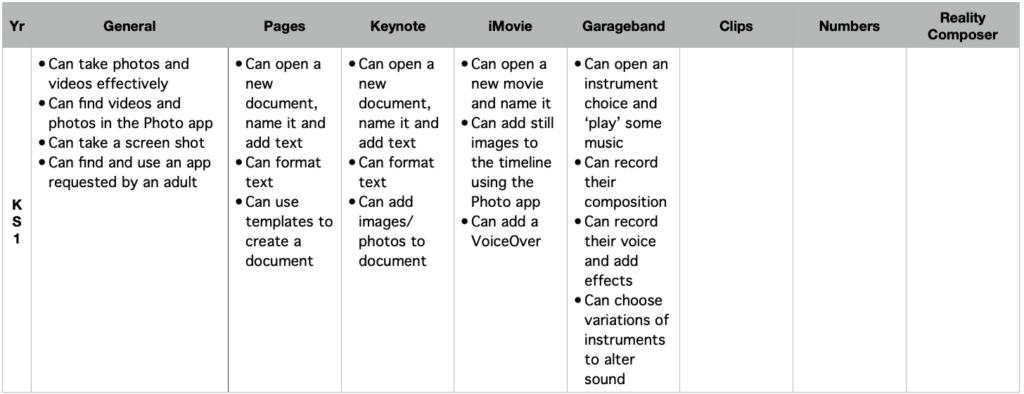
| KS1 | Can open an instrument choice and ‘play’ some music Can record their composition Can record their voice and add effects Can choose variations of instruments to alter sound | Open, rename (use Tracks not Live loops) Play random instruments manually Record an 8 bar track musical piece Extend the timeline and record voice Add voice effects | Teaching tempo in music |
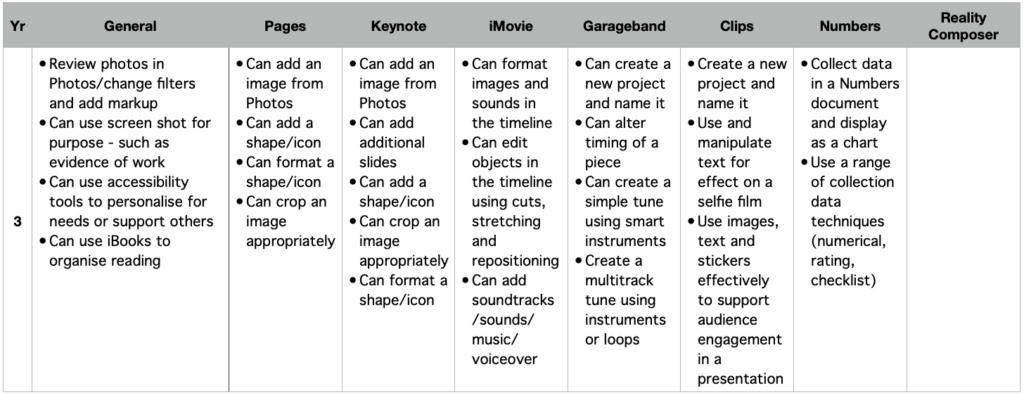
| 3 | Can create a new project and name it Can alter timing of a piece Can create a simple tune using smart instruments Create a multitrack tune using instruments or loops | Adding a background beat for tempo – smart drums Adding different instruments at different times for effect Editing the recording Adding a second instrument – smart guitar Adding multiple layers and free play | Adding depth to writing – poetry example Developing mood and tone in writing Adding performance to writing |
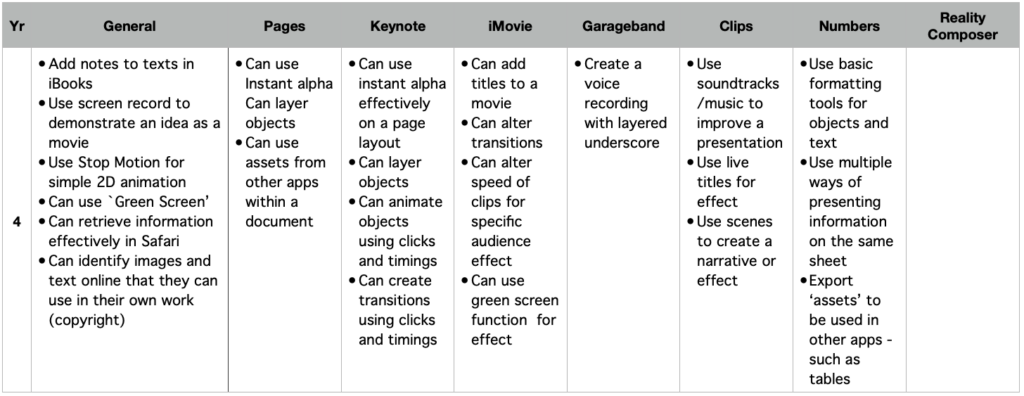
| 4 | Create a voice recording with layered underscore | Add voice to a multitrack | |
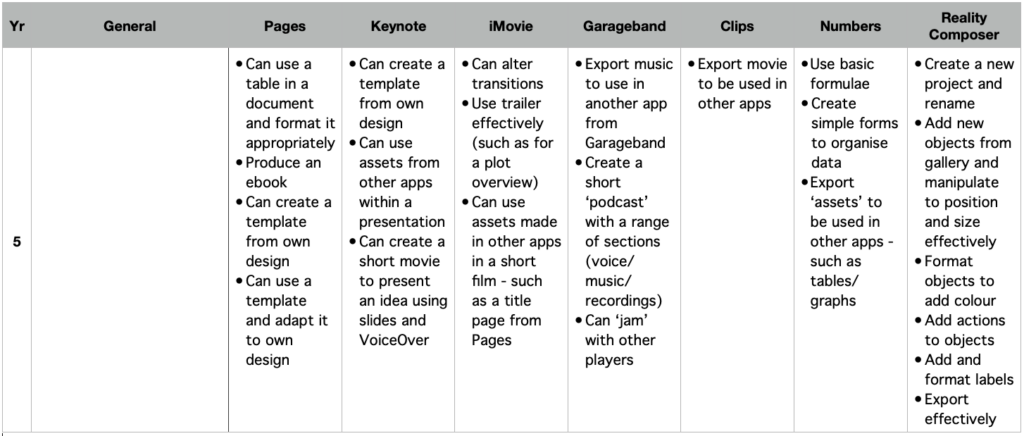
| 5 | Export music to use in another app from Garageband Create a short ‘podcast’ with a range of sections (voice/music/recordings) Can ‘jam’ with other players | Export to iMovie Jam session | Creating a podcast |